
In this article
A homeowner with a leaking pipe needs a plumber, not a lesson in plumbing. They search nearby, compare a few businesses, and look for someone they can call. Your business needs to be easy to find at that moment, with clear information that helps them choose. Learning how to rank in Google Maps starts with checking what customers can see about you and correcting what’s missing. Professional Local SEO Services can help you identify those gaps and decide what to fix first. Whether you handle the work yourself or get support, understanding the basics will help you make better decisions.
What Is the Google Map Pack?
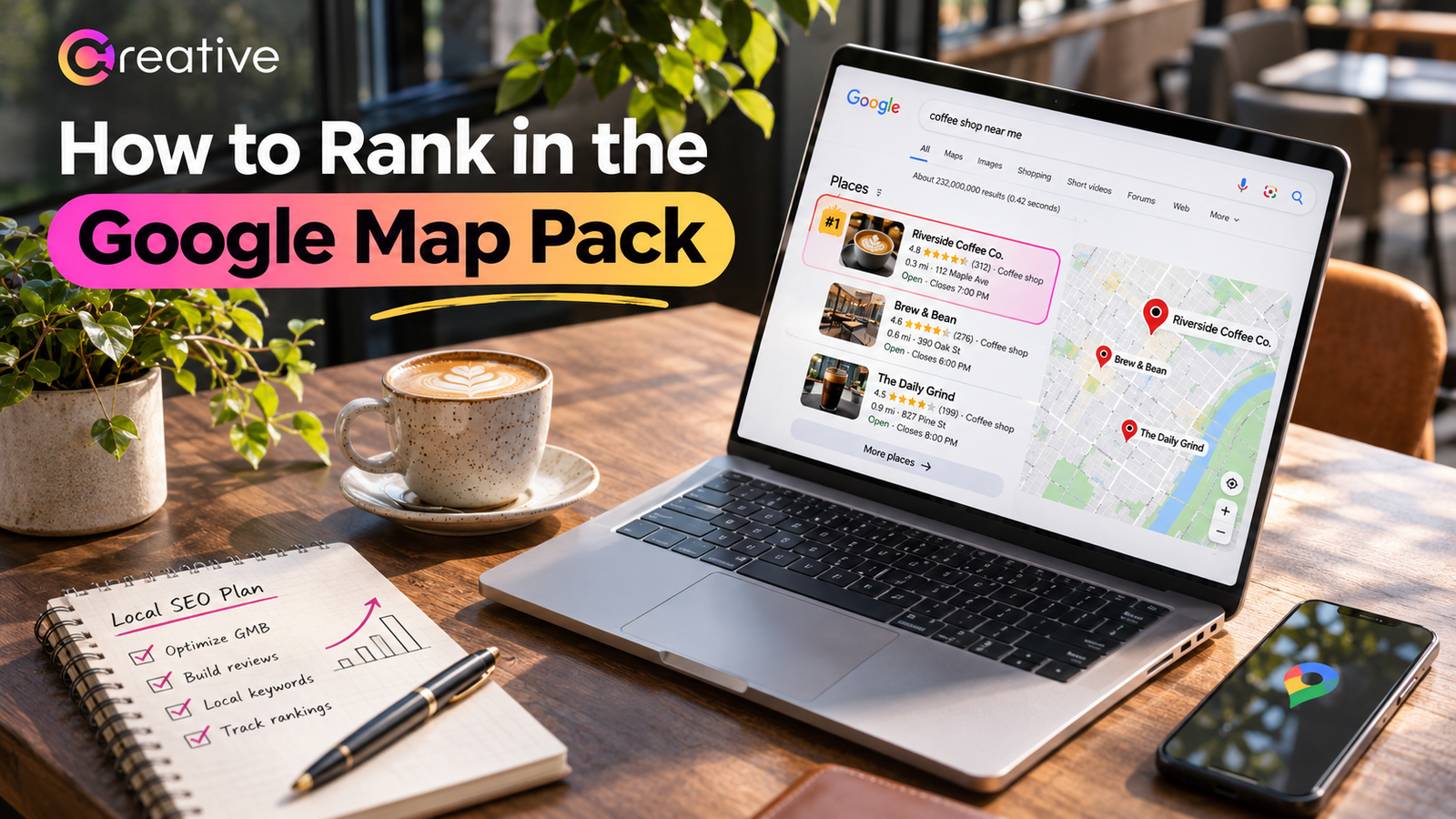
The Google Map Pack is the map and group of nearby business listings that can appear in search results. Google mainly ranks local results by relevance, distance, and prominence. Relevance means how closely your business matches the search. Distance considers how far you are from the customer. Prominence means how well-known your business is, including signals from reviews and website links. These factors work together, so the closest business doesn’t always appear first. You can’t control where someone searches from, but you can make sure your profile accurately describes your business and gives customers good reasons to get in touch.
How to Rank in Google Maps: 7 Practical Steps
1. Claim and Optimize Your Google Business Profile
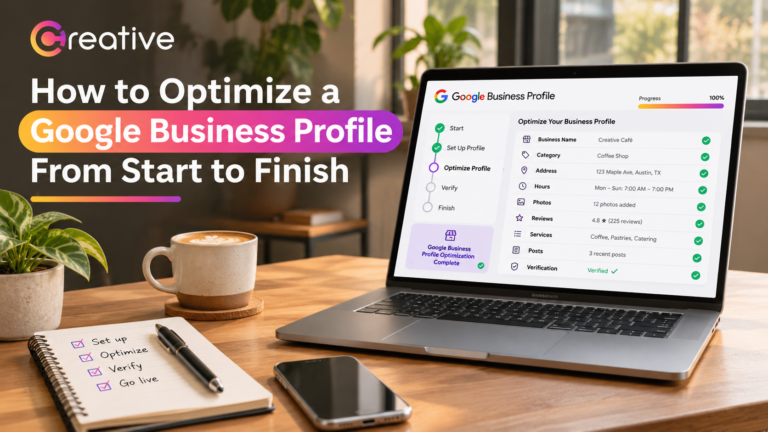
Start by finding your business on Google and checking whether you control its profile. Claim or add an eligible listing, then complete verification. If someone else manages an existing profile, request access rather than creating another one. Use your actual business name, not a version padded with phrases like “best plumber in Houston.” Choose a specific primary category that describes your main business, with additional categories only where they genuinely fit. Add your phone number, website, hours, and services. Before moving on, read the profile as a customer would. Could someone tell what you offer and how to reach you?
2. Get Your Location and Service Areas Right
Your address should reflect where your business actually operates. For a storefront, check the street address, suite number, and map pin so customers can find the entrance. A service-area business works differently. If you travel to customers and don’t serve them at your business address, hide that address and list the areas you serve. Don’t create extra profiles for neighborhoods without eligible business locations. A cleaning company serving several nearby towns doesn’t need a separate listing for each one. Treat your service-area settings as information about where you work, not a promise that you’ll rank throughout every town you select.
3. Ask for Honest Customer Reviews
Make asking for feedback a normal part of finishing a job. A short follow-up message with your review link gives customers a straightforward way to share their experience. Ask consistently rather than only approaching people you expect to leave five stars. Google prohibits paid reviews, incentives for reviews, and selectively requesting positive feedback. More reviews and positive ratings can help local rankings, but buying them is not an acceptable shortcut. Respond thoughtfully, especially when someone describes a problem. A useful reply might acknowledge what happened and offer a way to discuss it privately. Avoid copying the same response under every review.
4. Correct Outdated Business Listings
Search for your business name and check the details on your website and relevant directories. Are older listings still sending people to your previous address? Is a disconnected phone number appearing anywhere? Online mentions of your business details are often called local citations. Google gathers business information from your website and other sources, which makes checking those details worthwhile. Focus on accurate names, addresses where appropriate, and working phone numbers rather than collecting hundreds of directory entries. Keep a record of the listings you manage. The next time you move or change contact details, you’ll know exactly where to make updates.
5. Make Your Website Useful to Local Customers
Your website should answer the questions someone would ask before hiring you. A roof repair page, for example, should explain which problems you handle, where you work, and how to request an estimate. Use local keywords naturally in relevant titles, headings, and descriptions rather than repeating your city name throughout every paragraph. For multiple locations, write useful details about each area instead of duplicating the same page. For a closer look at how your website fits into the broader strategy, read What Is Local SEO and How Does It Work for a Small Business?. Then check your own pages on a phone. Can visitors find your service area, read the information comfortably, and contact you without searching through several menus?
6. Earn Relevant Local Links
Google includes links from other websites among the signals it uses to understand a business’s prominence. Look for opportunities that reflect real relationships rather than buying a package of backlinks. You could contribute practical advice to a neighborhood publication, take part in a business association, or collaborate on a community project. Those activities may lead to relevant mentions and links, though none guarantees a ranking improvement. Choose opportunities that would still make sense without the SEO benefit. A useful question is whether people who read that website could realistically become your customers or recommend your business to someone who needs it.
7. Keep Your Profile Current
Once the main details are correct, make profile checks part of your routine. Update holiday hours before customers plan a visit. Remove services you no longer offer, and add clear photos that reflect your current storefront or work. Think about what would help a first-time customer: a photo of the entrance may be more useful than another promotional graphic. Check for suggested changes or outdated details rather than assuming everything stays accurate forever. Treat these updates as customer care, not a daily posting contest. The aim is to help someone make an informed decision, not to fill your profile with activity.
How to Measure Progress
Review Business Profile performance over time rather than relying on one search from your own phone. Available metrics can include website clicks, direction requests, and call-button clicks. The calls metric measures taps on the call button, not confirmed conversations or sales. Compare those figures with actual inquiries, bookings, and revenue you can reliably track. Also note whether advertising ran during the period, because profile performance can include paid and organic activity. Don’t judge every change after a day or two. Website improvements can take weeks or months to affect search results, and a fixed deadline for reaching the Map Pack isn’t realistic.
Conclusion
Learning how to rank in Google Maps is less about finding a trick and more about removing reasons for customers to overlook your business. Start with your profile, check your location details, and fix anything that makes contacting you difficult. Then build on that foundation with useful website pages, honest reviews, and relevant local relationships. You don’t need to tackle everything at once. Pick the most important problems, work through them, and measure whether more qualified customers get in touch. For help deciding where to begin, talk with Creative Solutionss about a local search plan that fits your business and priorities.