
In this article
- What Does It Mean When Your Google Business Profile Is Suspended?
- Why Did Google Suspend Your Business Profile?
- How to Check Why Your Google Business Profile Was Suspended
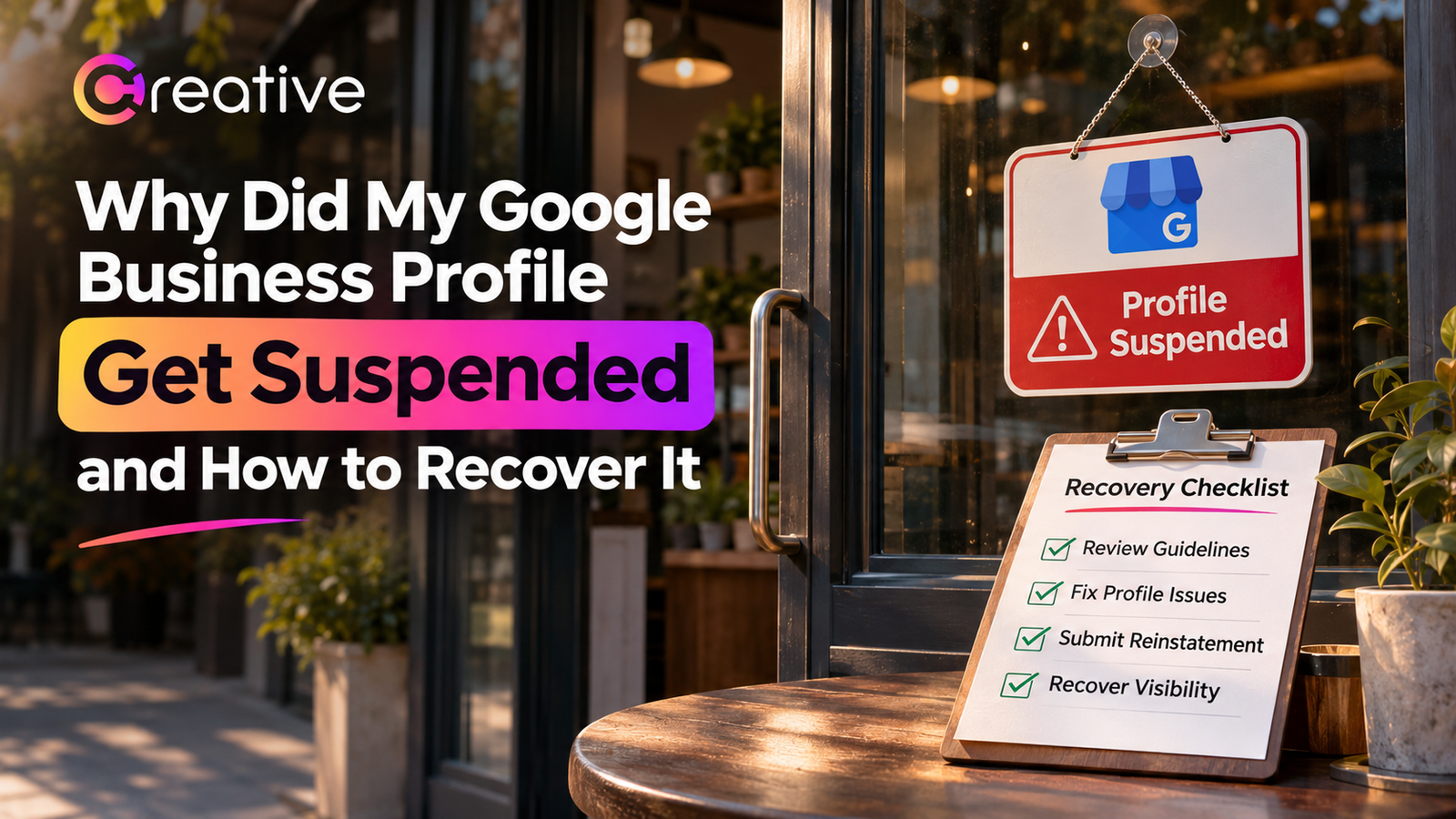
- How to Recover a Suspended Google Business Profile
- What Should You Do If Your Google Business Profile Appeal Is Denied?
- How Long Does Google Business Profile Reinstatement Take?
- How to Prevent Your Google Business Profile From Getting Suspended Again
- Conclusion
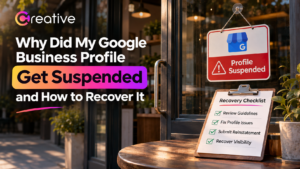
Imagine opening Google one morning and discovering that your business listing has disappeared. Customers can no longer find your location, check your hours, or contact you through the profile. For a business that depends on local customers, that’s a serious concern. If you’ve found your Google Business Profile suspended, your first question is probably what went wrong and how to fix it. Professional Google Business Profile Services can help you understand the issue and prepare for recovery. However, before submitting an appeal, it’s important to understand why Google may have suspended your listing. Taking the right steps from the beginning can help you avoid further problems.
What Does It Mean When Your Google Business Profile Is Suspended?
A Google Business Profile suspension means Google has restricted your listing because it believes something may not follow its guidelines. Depending on the restriction, your profile may disappear from public search results, or you may lose access to certain management features. A disabled profile generally involves a more serious restriction that can prevent people from accessing the listing. Sometimes, the problem affects a single business profile. In other cases, restrictions on the account managing the profile can affect multiple locations. The important thing is not to panic or immediately create another listing. Google provides an appeal process for eligible businesses, and understanding the reason for the restriction is the first step toward recovery.
Why Did Google Suspend Your Business Profile?
Incorrect Business Names, Addresses, or Contact Details
One of the common Google Business Profile suspension reasons involves information that doesn’t accurately represent a business. For example, adding phrases like “Best Emergency Plumber in Houston” to your business name when those words aren’t part of your actual name can violate Google’s rules. Address information can also create problems. A business using a rented mailing address or virtual office where it doesn’t actually operate may not qualify for a listing at that location. Service-area businesses must also follow the rules for displaying addresses. If customers don’t visit your location, you may need to hide your address publicly. Review these details carefully because even a small misunderstanding of Google’s requirements can lead to unnecessary complications.
Duplicate Listings and Business Eligibility Issues
Another possible reason for a Google Business Profile suspension is having multiple listings for the same business. This sometimes happens when a business moves, changes ownership, or creates a new profile without checking whether an older one already exists. Google generally allows one profile per eligible business location, with specific exceptions. Business eligibility also matters. Online-only companies that don’t have qualifying in-person contact with customers generally aren’t eligible for Business Profiles. Before creating a new listing, search for existing profiles and confirm that your business meets the requirements. If you discover a duplicate, follow Google’s procedures for resolving it rather than deleting profiles without checking their history.
Violations of Google Business Profile Guidelines
Google has rules designed to keep business information accurate and useful. Violations may involve misleading names, incorrect locations, ineligible businesses, or other information that doesn’t reflect how a company actually operates. Sometimes, an account managing several listings can also receive restrictions that affect those profiles. However, receiving a suspension doesn’t automatically prove that your business intentionally broke a rule. If you believe the decision was incorrect, you can request a review through Google’s official process. The best approach is to examine your profile carefully and compare it with the Google Business Profile guidelines before making changes. Understanding the possible issue is more useful than guessing or repeatedly editing your listing.
How to Check Why Your Google Business Profile Was Suspended
Start by signing in to the Google account connected to your business listing. Check for notifications explaining whether your Google Business Profile was suspended or disabled. You can then open Google’s Business Profile appeals tool to review the restriction and any available policy information. The tool may show the decision, its status, and whether you’re eligible to appeal. Read the information carefully before proceeding. If the suspension involves your account rather than an individual listing, the recovery process may require resolving the account restriction first. Keep screenshots and records of any notices you receive. These details can be helpful if you need to explain your situation or submit supporting information later.
How to Recover a Suspended Google Business Profile
Review and Correct Your Business Information
If you’re wondering how to fix a suspended Google Business Profile, begin by checking whether your listing follows Google’s requirements. Review your business name, address, categories, website, and service areas. Make sure everything accurately describes your company. For example, if you’re a home-based cleaning business that visits customers, check whether your address should be hidden rather than displayed as a storefront. If your listing contains promotional phrases that aren’t part of your real business name, correct them. Don’t make unnecessary changes to information that’s already accurate. Google Business Profile recovery is more likely to proceed smoothly when your information is consistent with the rules and you can demonstrate that your business is legitimate.
Gather Documents to Support Your Appeal
Before starting a Google Business Profile appeal, prepare documents that support your business’s identity and eligibility. Google may accept evidence such as business registration records, a business license, tax certificates, or utility bills. Your documents should accurately match the business details you’re asking Google to reinstate. For example, if your profile shows a particular business name and address, your supporting records should help establish that information. Review the appeal tool’s current instructions before uploading anything, since evidence submission requirements can vary. Preparing documents in advance is especially important when the tool provides a limited submission window. Clear, relevant evidence is more useful than submitting unrelated files simply to make your appeal appear stronger.
Submit a Google Business Profile Reinstatement Appeal
Once you’ve reviewed your information and prepared your evidence, open the official appeals tool using the account associated with your listing. Select the affected profile and review the decision you’re appealing. Follow the instructions to submit your Google Business Profile reinstatement request, including any supporting documents and explanation the tool allows. Keep your explanation straightforward. Describe your business, address the identified issue, and explain why the listing should be restored. After submitting, monitor the appeal status and your email for Google’s response. Avoid creating a replacement profile while the appeal is under review. Starting another listing for the same business can create additional problems instead of resolving the existing suspension.
What Should You Do If Your Google Business Profile Appeal Is Denied?
Finding your Google Business Profile appeal denied can be frustrating, especially when you’ve already spent time preparing documents. However, a denied request doesn’t always mean you’ve reached the end of the process. Google may offer an additional review for eligible reinstatement cases. Start by reading the decision and checking whether any information was missing or unclear. If additional review is available, provide relevant new evidence that wasn’t included in your original request. Avoid submitting the same explanation repeatedly without addressing the problem. You should also check whether the restriction affects your managing account rather than just the listing. The goal is to resolve the issue behind the decision, not simply send more appeals.
How Long Does Google Business Profile Reinstatement Take?
The Google Business Profile reinstatement process doesn’t have a guaranteed completion date. Google’s general guidance indicates that appeal reviews can take up to five business days, although individual cases may require additional time. The process can also take longer when further evidence or account-level issues need attention. While waiting, monitor your appeal status rather than submitting repeated requests for the same problem. If the profile is reinstated, check how it appears publicly and confirm that customers can access the correct information. Reinstatement also doesn’t guarantee that your previous Google Maps rankings will return immediately. Search visibility depends on several factors beyond the suspension itself.
How to Prevent Your Google Business Profile From Getting Suspended Again
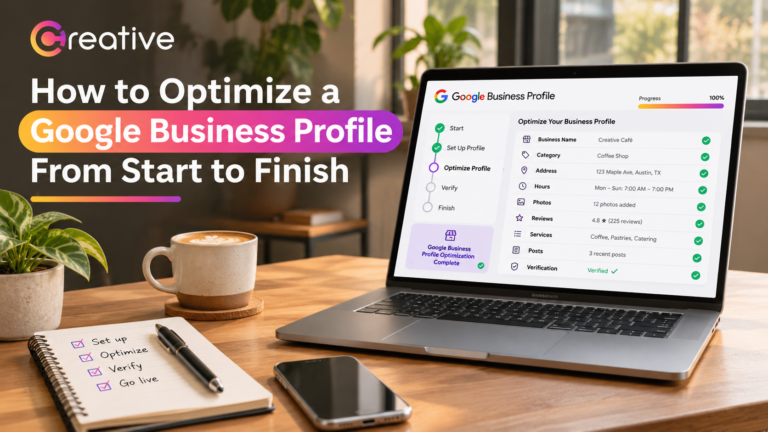
Once your profile is restored, make regular checks part of your business routine. Keep your business name, contact information, address, and service areas accurate. Use categories that genuinely describe your company, and avoid creating unnecessary duplicate listings. Review your profile whenever your business moves, changes its phone number, or begins offering different services. It’s also helpful to understand how each part of your listing should be maintained. Our guide, How to Optimize a Google Business Profile From Start to Finish, explains how to manage business information, categories, photos, and reviews properly. Following these practices can reduce avoidable issues, although no business can be promised complete protection from future restrictions.
Conclusion
Discovering that your business profile has been suspended can be stressful, especially when customers depend on Google Maps to find you. The best response is to identify the restriction, review your business information, and prepare the right evidence before submitting an appeal. Avoid rushing into a replacement listing or making changes without understanding the problem. If your first appeal is unsuccessful, check whether an additional review is available and address any remaining concerns. Creative Solutionss can help business owners review their profiles and understand the steps involved in recovery. Most importantly, focus on keeping your business information accurate and following Google’s guidelines so customers can continue finding and contacting you.