In this article
- First, Is Your Listing Missing or Just Hard to Find?
- 1. Your Profile Still Needs Verification
- 2. Recent Changes Are Still Under Review
- 3. Your Profile Has Been Suspended
- 4. There’s a Duplicate or Ownership Issue
- 5. Your Address or Business Type Doesn’t Qualify
- 6. Your Business Information Doesn’t Match the Search
- 7. Your Listing Is Live, but Competitors Rank Higher
- Conclusion
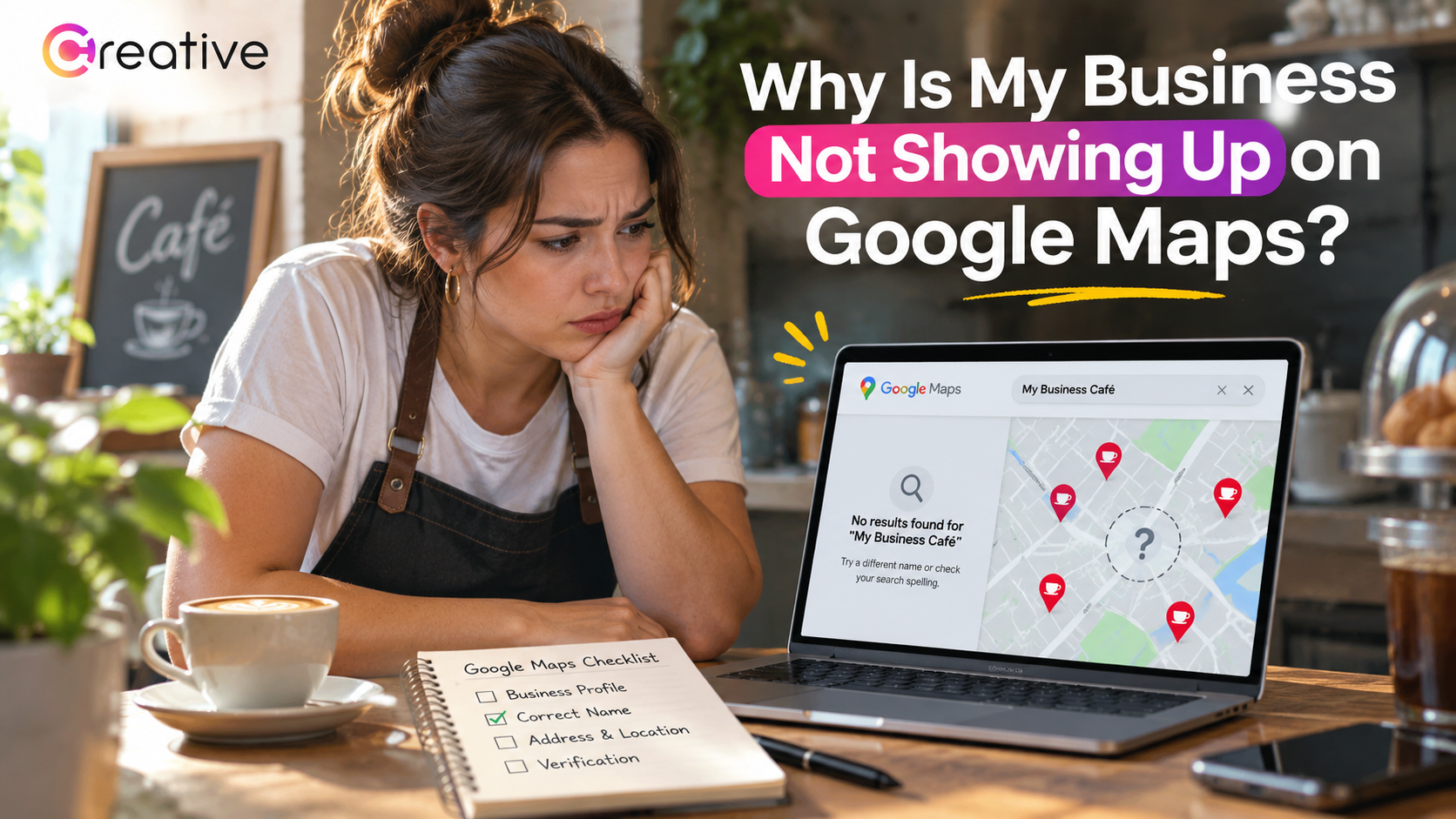
Your shop is open, your website works, and regular customers have no trouble reaching you. Yet when you search Google Maps, nearby competitors show up and your business doesn’t. If you’re asking, “Why is my business not showing up on Google Maps?” start by separating two problems: a missing listing and a listing that isn’t ranking for your services. They need different fixes. Professional Local SEO support can help you work out what needs attention, but there are useful checks you can make yourself. Look at your profile’s status before creating another listing or changing details that were already correct. Otherwise, you risk adding a second problem without solving the first.
First, Is Your Listing Missing or Just Hard to Find?
Search for your exact business name and city, then try opening your listing directly in Google Maps. Check what a customer can see, not just what appears in your management account. Copy the public Maps link and open it while signed out to check whether the listing still loads. If the public listing opens but doesn’t appear for “plumber near me,” you’re likely dealing with search visibility rather than a missing profile. If you can’t find it at all, look for verification requests, restrictions, or duplicate notices. Make sure you’re signed in to the correct account when checking those messages. Being unable to manage a profile doesn’t mean customers can’t see it; you may simply be using the wrong login.
1. Your Profile Still Needs Verification
An unverified business can already appear on Google Maps, so missing verification isn’t proof that your listing is invisible. However, verification helps you establish control of the profile and manage its information. Open your account and follow any verification instructions shown. Google determines which methods are available, and submitting the requested information doesn’t always complete the review immediately. You might also be asked to verify again after changing important business details. Check your email and profile status for the next step. If the instructions ask for evidence of your location or work, prepare it before you begin. Make sure it accurately reflects the business details shown on your profile. Don’t create another profile just because verification is taking longer than you expected; that can leave you with a duplicate problem.
2. Recent Changes Are Still Under Review
Perhaps you moved last week or recently corrected your business category. The information you saved may still be under review rather than visible to customers. Compare your public listing with the details in your account and check the status of each update. A pending edit doesn’t automatically mean the entire profile has disappeared. For example, your new address might be waiting for approval while older information remains visible. Keep a note of what changed and when you submitted it. Repeatedly editing correct details isn’t a reliable fix. If the review exceeds the timeframe Google provides, contact support with your records.
3. Your Profile Has Been Suspended
A suspension needs attention before you work on rankings. More website content or customer reviews won’t remove a restriction on your profile. Read the notice in your account and check your details against the business guidelines. An address that doesn’t qualify or extra promotional words in your business name can create problems. Correct any policy issues before using the appeals process. When supporting documents are requested, make sure they accurately match your business information. Keep copies of your submissions and the case number. Describe what you corrected and keep your explanation factual. If you aren’t sure what the notice means, seek clarification rather than guessing. Starting over with another listing leaves the original issue unresolved and can make the situation harder to untangle.
4. There’s a Duplicate or Ownership Issue
Search results can become confusing when your business has an old listing and a newer one. A profile marked as a duplicate may not appear separately, even though the business still has a public presence. Check both listings before removing anything, particularly if either contains customer reviews. When someone else controls the correct profile, request access rather than building a replacement. A change of owner or a move generally calls for updating the existing listing, not starting again. If two genuinely separate businesses have been combined by mistake, explain that to support and provide evidence showing why they should remain distinct.
5. Your Address or Business Type Doesn’t Qualify
Your profile needs to reflect how you actually serve customers. An online-only business that never meets customers in person generally isn’t eligible. A mailbox or rented mailing address where you don’t operate isn’t a qualifying business location either. If customers visit your shop, check the address, suite number, and map pin. If you travel to customers but don’t serve them at your address, use the service-area setup and hide that address publicly. A plumber working from home shouldn’t present a house as a walk-in store. Follow the rules for your business model, even if a competitor appears to do something different.
6. Your Business Information Doesn’t Match the Search
Imagine someone searching for appliance repairs while your profile describes a different service. Even a live listing can struggle to match the searches you care about when its information is unclear. Choose the most specific available primary category that accurately describes your main business. Add other categories only when they genuinely apply, and review your listed services. Make sure your phone number still works, too. Your website should explain the same work and service area without making visitors guess. Correct old contact details wherever customers commonly find you. These changes help people understand your business, but they won’t fix a suspension or guarantee a place in every local result.
7. Your Listing Is Live, but Competitors Rank Higher
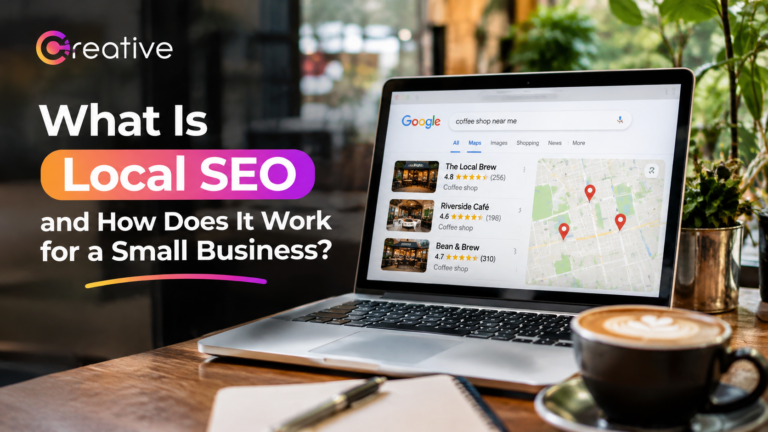
Verification isn’t a ticket to the top of Google Maps. Local results depend mainly on relevance, distance, and prominence: how well you match the search, how close you are, and how well-known your business is. Competitors may have stronger customer reviews or relevant links from other websites. Your position can also differ depending on where someone searches. Compare relevant searches from different parts of your service area before drawing conclusions. One poor result doesn’t tell you how visible you are to every potential customer. Our guide, What Is Local SEO and How Does It Work for a Small Business, explains how your profile, website, and reputation fit together. Work on clear, helpful service pages and genuine customer feedback, then review your progress over time instead of treating verification as the final step.
Conclusion
Start with the question that matters most for you: can customers open your listing, or is it genuinely unavailable? From there, check verification, pending changes, restrictions, and duplicate profiles before tackling rankings. Keep screenshots and dates so you can explain unresolved issues clearly to support. If your listing is public, work on accurate service information, honest customer reviews, and a useful website. You don’t have to change everything at once. Creative Solutionss can help you review your profile and decide what deserves attention first. The aim is to fix the actual problem, not spend another week changing settings without knowing why.