

In this article
- What Are Google Business Profile Posts?
- How Can Google Business Profile Posts Help You Get More Calls?
- Which Types of Google Business Profile Posts Should You Use?
- How to Create Google Business Profile Posts That Encourage Calls
- Google Business Profile Post Ideas for Service Businesses
- Common Google Business Profile Posting Mistakes to Avoid
- How Often Should You Publish Google Business Profile Posts?
- How to Measure Whether Your Posts Are Bringing More Calls
- Conclusion
Someone searching for an AC repair company might find several businesses offering the same service. They check the reviews, compare a few profiles, and look for a reason to choose one. A recent post explaining available repair services or appointment options could help them make that decision. That’s where Google Business Profile posts become useful. They let you share updates, offers, and information directly with people who are already looking at your business. If you’re unsure how to get started, professional Google Business Profile Services can help you manage your listing and create useful updates. But you don’t need to be a marketing expert to understand what makes a good post. You just need to know what your customers want to see.
What Are Google Business Profile Posts?
Google Business Profile posts are short updates that businesses can publish through their listings on Google Search and Maps. They allow you to share information about your services, upcoming events, special offers, or changes customers should know about. Unlike your regular business information, such as your address and hours, posts give you space to communicate something specific. For example, a cleaning company might announce that it’s accepting appointments for move-out cleaning. Customers may see these updates while browsing the company’s profile. Google Business Profile updates can include text, photos, videos, and available action buttons. The goal is to provide information that helps someone decide whether your business meets their needs.
How Can Google Business Profile Posts Help You Get More Calls?
Think about a homeowner who needs a plumber but isn’t sure whether a company handles emergency repairs. If that company’s recent post explains its emergency services and how to request help, the homeowner has one less question to ask before calling. That’s the practical value of Google Business Profile post optimization. A useful post can address a concern, explain an available service, or highlight a reason to contact your business. Where available, you can also add a Call now button that uses your verified business phone number. However, publishing posts doesn’t guarantee more calls or higher rankings. What matters is whether the information gives interested customers enough confidence to take the next step.
Which Types of Google Business Profile Posts Should You Use?
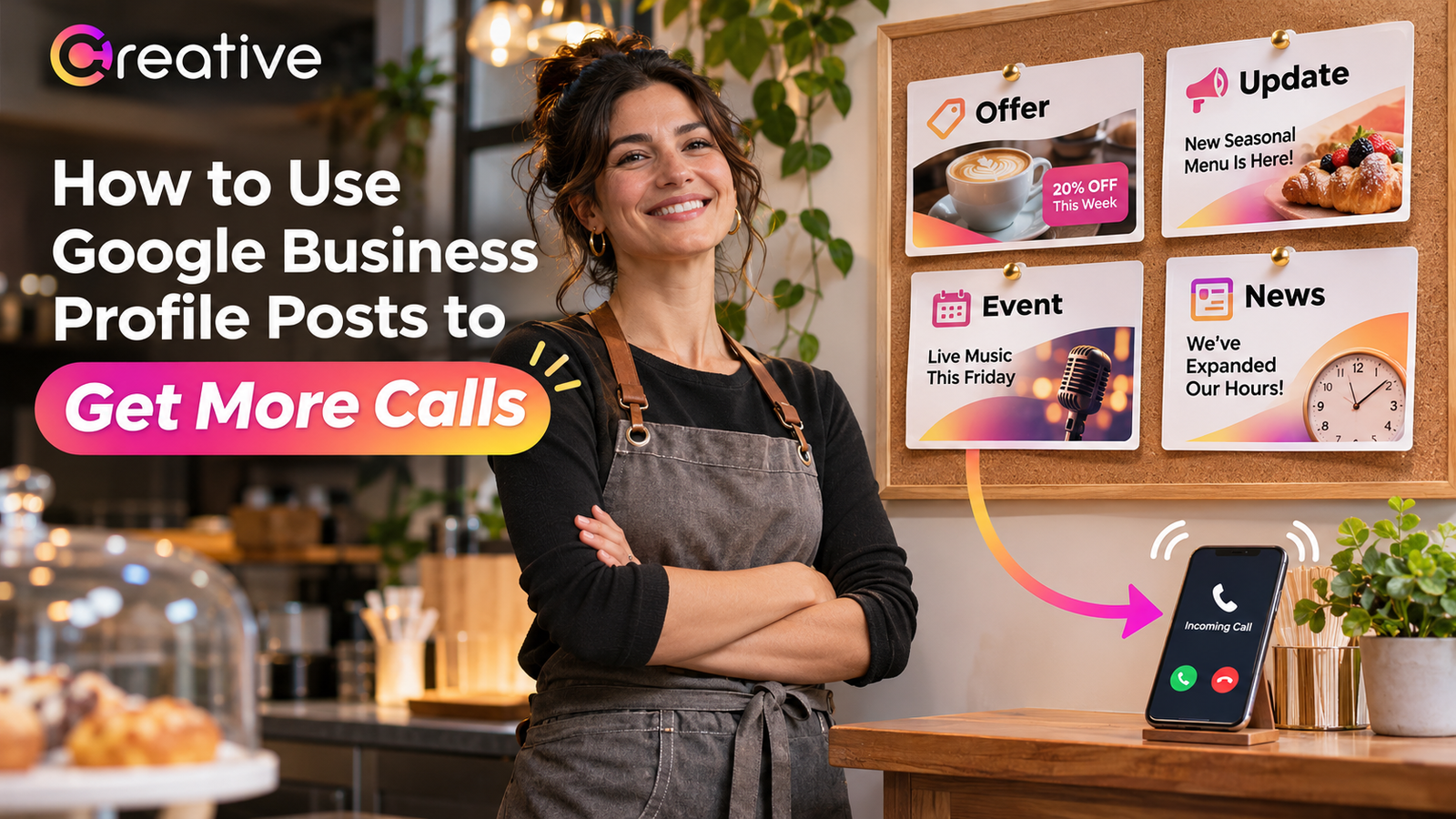
Update Posts for Business News and Services
Update posts are useful when you have something relevant to share about your business. Maybe your auto repair shop has started offering tire replacements, or your HVAC company wants customers to know about seasonal maintenance appointments. These are good reasons to publish an update. Explain what’s available, who the service is for, and how someone can learn more. You can include a relevant photo and an action button where the option is available. Avoid posting vague announcements such as “We’re the best company in town” without giving readers useful information. A customer should understand what the update means for them before deciding whether to contact you.
Offer Posts for Relevant Promotions
Google Business Profile offers allow businesses to highlight promotions with specific dates and details. For example, a cleaning company might offer a discount on a first deep-cleaning appointment during a particular week. An Offer post lets you include a title, start and end dates, and additional information such as terms or a coupon code. Be clear about what’s included and whether any restrictions apply. Customers shouldn’t have to call just to discover that an advertised discount doesn’t apply to the service they need. An honest, easy-to-understand offer can give interested customers a reason to act. Make sure the promotion is still available before publishing it.
Event Posts for Upcoming Activities
Event posts work well for businesses hosting workshops, open houses, demonstrations, or other activities with a set date. For example, an auto repair shop could announce a vehicle maintenance workshop where customers learn how to recognize common warning signs. A fitness studio might share details about an upcoming introductory class. These posts allow you to include an event title, date, time, and supporting information. Make sure customers understand what the event involves and whether they need to register. Not every service business needs to host events, so don’t create them simply to fill your posting schedule. Use this format when you have a genuine activity worth announcing.
How to Create Google Business Profile Posts That Encourage Calls
Start with something a customer actually wants to know. A plumber could explain that the company repairs leaking water heaters, while a cleaning service might announce available move-out cleaning appointments. Keep the message focused on one service or question instead of squeezing every offering into a single post. Use clear language and finish with a relevant next step, such as requesting an estimate or booking an appointment. If the Call now option is available, it can connect customers through your verified profile number. Google may reject posts containing unverified contact information, so avoid adding unnecessary phone numbers to the text. Include a genuine photo when it helps explain the service, then review the post before publishing.
Google Business Profile Post Ideas for Service Businesses
Finding Google Business Profile post ideas becomes easier when you think about the questions customers ask before booking. An HVAC company could explain when an air conditioner may need professional attention. A plumber might share information about common water heater problems and the repairs available. Cleaning businesses could announce openings for recurring appointments, while auto repair shops might remind customers about seasonal vehicle maintenance. These posts don’t need complicated designs or long descriptions. They should explain something useful and connect it to a service your business actually provides. Pay attention to questions customers ask over the phone. Those conversations can give you better content ideas than repeating the same promotional message every week.
Common Google Business Profile Posting Mistakes to Avoid
One common mistake is treating every post like an advertisement. Customers already know you’re a business, so repeating “Call us today” without explaining what you offer doesn’t give them much reason to act. Another problem is sharing outdated promotions or information that doesn’t match your website. Google also reviews posts against its content policies, and posts with unverified contact details may be rejected. Check whether a post is live after publishing rather than assuming customers can see it immediately. Good Google Business Profile post best practices come down to accuracy, relevance, and clarity. Avoid misleading promises, unnecessary keywords, and generic images that don’t represent your actual business.
How Often Should You Publish Google Business Profile Posts?
There’s no universal posting schedule that guarantees more calls or better Google Maps rankings. A reasonable approach is to publish whenever you have something useful to share, whether that’s a service update, promotion, or upcoming event. Some businesses may have enough relevant information for weekly posts, while others may post less frequently. Choose a schedule you can maintain without repeating the same content. Google also offers scheduling options, which can help when you’re planning seasonal promotions or future announcements. Remember that posts older than six months are generally archived unless a date range is set. Review your published updates occasionally and remove or correct information that no longer applies. Quality matters more than posting just to stay busy.
How to Measure Whether Your Posts Are Bringing More Calls
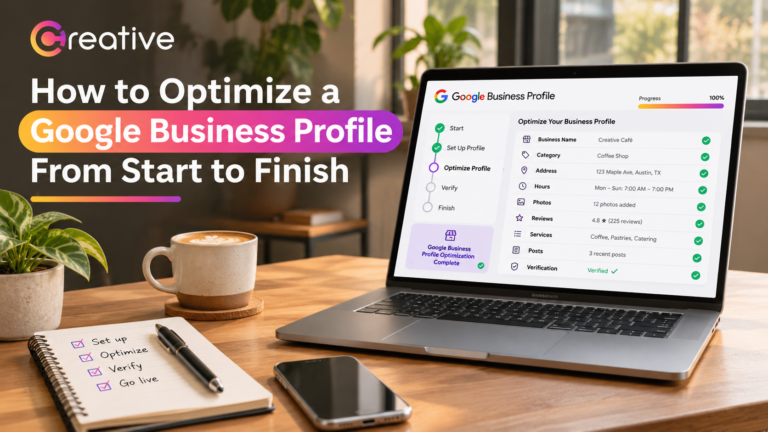
If your goal is getting more phone calls, you need to look beyond how many posts you’ve published. Google Business Profile performance reports can show call-button clicks, website clicks, and other customer interactions. However, a call-button click doesn’t prove that someone completed a conversation or booked an appointment. These reports also don’t reliably tell you which individual post generated every call. Compare performance over time and keep track of actual customer inquiries whenever possible. Ask new customers how they found your business, and review whether your posts support the services people contact you about. Posting is also only one part of managing a listing. Our guide, How to Optimize a Google Business Profile From Start to Finish, explains how accurate business details, categories, photos, and reviews work together to support your online presence.
Conclusion
Google Business Profile posts give you another way to communicate with customers who are already considering your business. The most useful posts answer questions, explain available services, and make the next step clear. You don’t need to publish every day or turn every update into a sales pitch. Focus on information that helps customers understand what you offer and why they might want to get in touch. Review your results, pay attention to customer questions, and adjust your Google Business Profile posting strategy as needed. If managing your profile takes time away from running your business, Creative Solutionss can help you organize your updates and improve how your services are presented online. The goal is to make contacting your business easier, not simply to publish more content.